

Sign up in under a minute

Bonus terms & conditions apply.
Magical Vegas Casino Mobile App: Android Download and Mobile Play
Our Android app and our mobile site give you the same account on a phone or tablet: well over 1,000 slots, the full live casino, the cashier and your safer gambling tools. Deposits start at £10, and the lobby reads cleanly on a small screen.
Magical Vegas Casino Mobile App
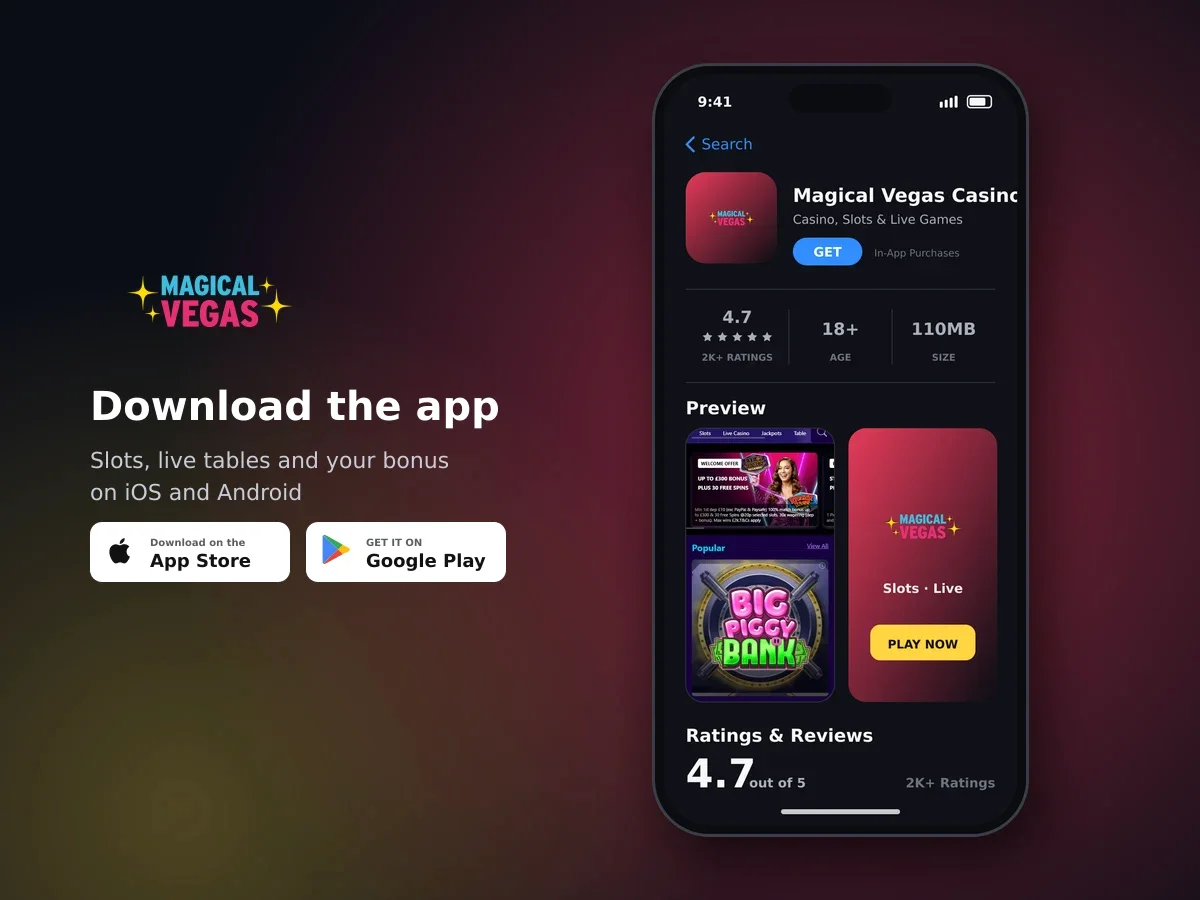
Magical Vegas Casino
- 4.7 2K+ ratings
- 110MBSize
- 18+Age
- 20K+Downloads
Two ways to play on mobile: the Android app or your browser
There are two ways to play Magical Vegas Casino on a mobile device. You can download our Android app to your phone or tablet, or you can simply open the site in your mobile browser and play with nothing installed. Either route signs you into the same account, with the same balance, the same games and the same cashier.
The site is built for laptop, mobile and tablet, so a small screen does not mean a cut-down version. The lobby and the menu load quickly on a phone, and the categories, filters and game tiles are sized for a thumb rather than a mouse.
- Well over 1,000 slots, plus roulette, blackjack, baccarat, video poker, Slingo, scratch cards, jackpot titles and crash games
- The full live casino, including Evolution tables and variants streamed from Grosvenor venues in the UK
- The cashier, with deposits from £10 credited immediately on approval
- Your account settings, including deposit limits, Reality Check and Take A Break
- Live chat, email and our UK telephone line
- Everyday extras such as the Mystery Chips free daily pick, open between 08:00 and 23:59
The app we offer for download is the Android one. On other handsets and tablets, mobile browser play covers the same library and the same account tools, which keeps things simple if you switch between a phone and a laptop during the week.
Setting yourself up on a phone or tablet
On Android, download the app to your device. On any other phone or tablet, open the site in your mobile browser - there is nothing to install and nothing to update.
Use the username and password you already have. There is one account per player, registered in your own name and for your own use, so the same details work on every device.
Net Deposit Limits, Gross Deposit Limits and Reality Check all sit in your account settings on mobile. Setting them first takes a minute and saves you deciding in the middle of a session.
The minimum deposit is £10 and there are no deposit fees. Debit cards, PayPal, Apple Pay, Paysafecard and Instant Bank Transfer are all credited immediately once approved.
Use the category menu or the filters to sort the library by feature, theme or jackpot type, then tap a tile to load the game.
Finding your way round the lobby on a small screen
The menu carries the same sections on mobile as it does on a bigger screen, so you can go straight to the part of the library you want instead of scrolling through everything.
- Slots, New Games, Megaways and Jackpots
- Live Casino and Slingo
- Scratch & Arcade, 99 Royale and Timeless Classics
- Featured Providers, Drops & Wins and All Games
Filters let you narrow the slots down by feature, theme or jackpot type, which is the quickest way to get to a specific title on a phone. Stakes in the lobby run from £0.10 up to £2,500 depending on the game, and the range is shown before you commit to a spin.

Hundreds of slots, one account
Live tables work the same on a handset as they do anywhere else. There are dozens of roulette variants, a deep blackjack section, baccarat, Sic Bo, game shows and live poker, and you can chat to the dealer while you play. Live games open at set times, so a table that is closed will simply not be available until it reopens.
Deposits from the mobile cashier
The cashier on mobile offers the same methods as on desktop, and every one of them is credited immediately once the payment is approved. The minimum deposit is £10 and we charge no fee to pay money in.
| Method | Credited | Notes |
|---|---|---|
| Visa or Mastercard debit | Immediately on approval | Credit cards and American Express are not accepted |
| PayPal | Immediately on approval | No card or bank details to add |
| Apple Pay | Immediately on approval | Debit cards only through Apple Pay |
| Paysafecard | Immediately on approval | Prepaid; Paysafecard deposits do not qualify for the welcome offer |
| Instant Bank Transfer | Immediately on approval | Bank-to-account payment with no card involved |
Payments show up on your bank or payment statement as MAGICALVEGAS, which is handy to know if you are checking your balance on your banking app later. The name on the payment method has to match the name on your account, and when you cash out we pay to the method you deposited with.
The controls you can set from your account on mobile
Every safer gambling tool is available in your account on a phone, not just on desktop. You can cap what you pay in, pause your play or stop altogether, and the change takes effect on your account rather than on one device.
| Tool | What it does |
|---|---|
| Net Deposit Limits | Caps your deposits after withdrawals are taken into account |
| Gross Deposit Limits | Caps the total you can pay in over a set period |
| Reality Check | Puts a reminder on screen at the interval you choose |
| Take A Break | Locks you out of play for a short period |
| Self Exclusion | Closes play down for a longer, fixed period |
We are registered with GamStop, the national self-exclusion scheme, if you would rather exclude yourself across operators in one go, and we signpost GamCare and its helpline for free, confidential support. Gambling is entertainment with real risk attached, so only stake what you are comfortable losing.

Spin today, win today
One practical point about accounts: if you do not sign in for 12 months or more, your account may be reclassified as dormant. Logging in from the app or your mobile browser now and then is enough to keep it active.
How your account and your money are protected
We are licensed and regulated in Great Britain by the Gambling Commission under account number 57924. Your account is protected with market-leading security technology, and we never sell or rent your details.
Player money is held in segregated accounts, separate from the money we run the business with. Affordability checks apply at defined thresholds under our remote licence, which is part of the same framework.
Verification is part of the deal. We check age and identity when you open an account, and we may ask for documents such as a passport and proof of address before, during or after a promotion, as well as for source of funds information from time to time under anti-money laundering rules. You can upload what we ask for from your phone, and promotions need a fully verified account.
Getting help while you are playing on your phone
Three ways to reach us work the same from a mobile device: live chat, email and a UK telephone line. The site is open 24/7, and support is in English. Calls to our teams may be recorded.

Register in minutes and play
Our Support Hub covers the questions that come up most often, grouped into Managing Your Account, Payments, Slots & Live Casino, Promotions and Safer Gambling. It is often the fastest answer if you are mid-session and do not want to wait in a queue.
If a game stalls or will not load
Games are streamed to your device, so a patchy signal usually shows itself before anything else does. Working through a few simple things in order clears most of it.
- Back out to the lobby and launch the game again, or refresh it in your browser.
- Check you are on a steady connection and switch between mobile data and Wi-Fi if one is weak.
- Try the other route: if the app is sticking, open the site in your mobile browser, or the other way round.
- Sign out and sign back in to refresh your session and balance.
- Contact live chat with the game name and roughly when it happened, and we can look into it on our side.
If a promotional prize has not appeared on your account, give it a little time before chasing: where a technical hitch delays crediting, prizes are credited within 72 hours.
Mobile App: questions and answers
Is there a Magical Vegas Casino app?
Yes - we have an Android app you can download to your phone or tablet. You can also play straight from your mobile browser with nothing installed.
Can I play on an iPhone or iPad?
Yes. Open the site in your mobile browser and sign in as normal - the full library, the cashier and your account tools all work there. The app we offer for download is the Android one.
Do I get fewer games on mobile?
No. Mobile play gives you the same library of well over 1,000 slots plus the live casino, jackpots, Slingo and the Scratch & Arcade games, from the same account and balance.
What is the minimum deposit on mobile?
£10, the same as on desktop, and we charge no deposit fee. Debit cards, PayPal, Apple Pay, Paysafecard and Instant Bank Transfer are all credited immediately once approved.
Can I use a credit card or American Express in the app?
No. We accept debit cards only, and that includes payments made through Apple Pay, so a credit card or American Express card will not go through.
Can I set deposit limits from my phone?
Yes. Net Deposit Limits, Gross Deposit Limits, Reality Check, Take A Break and Self Exclusion are all in your account settings on mobile, and they apply to your account however you log in.
How will deposits show on my bank statement?
Payments appear as MAGICALVEGAS on your bank or payment method statement.
How do I get help if something goes wrong mid-session?
Use live chat, email us, or call our UK phone line. The site runs 24/7, and our Support Hub has sections on accounts, payments, slots and live casino, promotions and safer gambling.